A video editor
CapCut style
with annual or lifetime plans
for an unbelievable price

  • Runs on your PC
  • No cloud
  • No monthly fee

Choose your plan

Which computer is it for?

Annual plan

AlaukCut for Windows

€ 19

one-off payment

7-day no-questions-asked guarantee

Interface

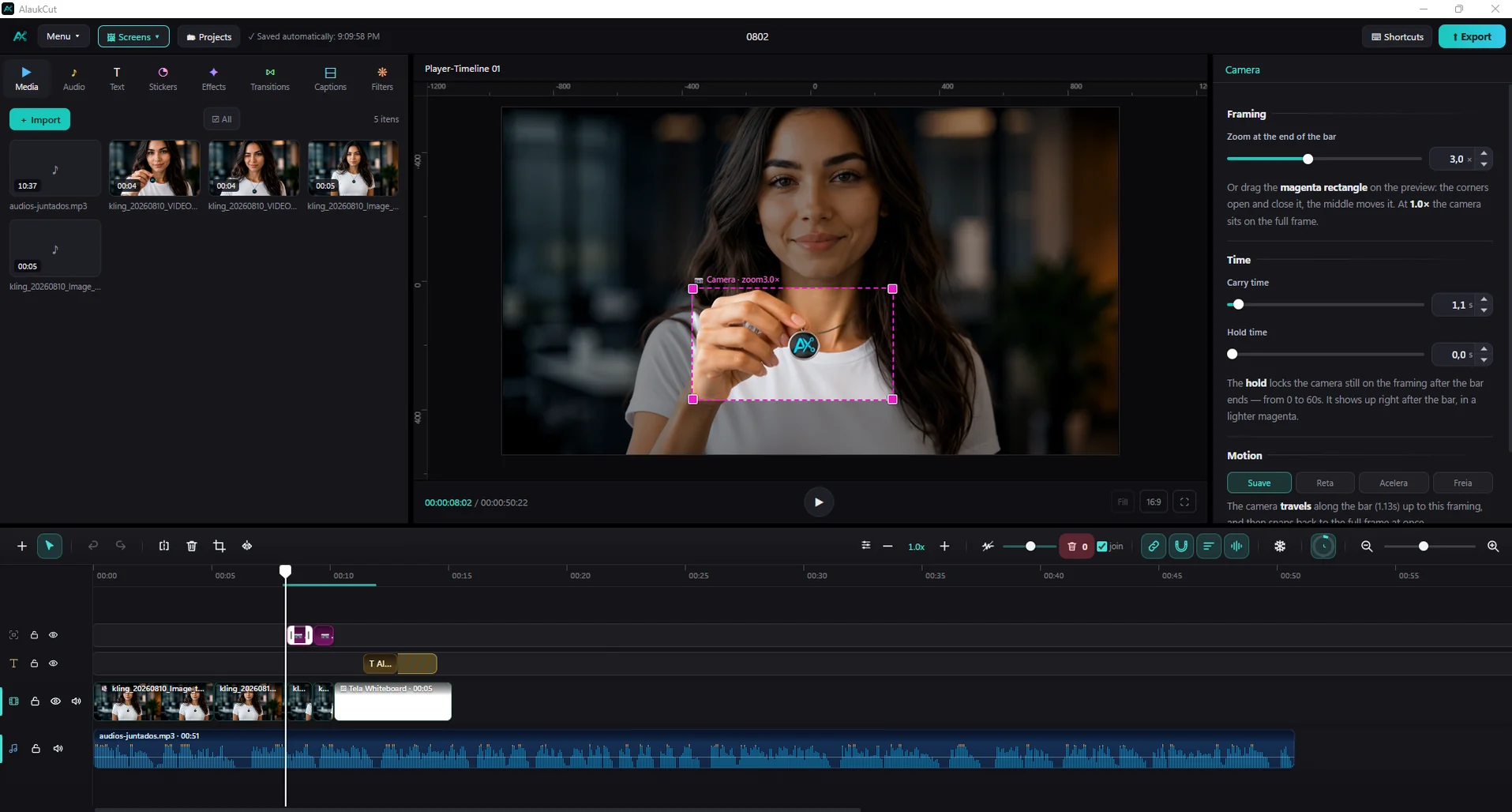
An intuitive, user-friendly layout.

Tela do AlaukCut: painel de mídias, prévia do vídeo, ajustes da câmera inteligente e a linha do tempo
Animated subtitles◆ Smart camera◆ Custom transitions◆ No monthly fee◆ Export with pre-render◆ Updates forever on the lifetime plan 🤯◆

Subtitles

Plenty of custom subtitle styles to choose from

Camera

Smart Camera in one click.

Fast and simple.

Whiteboard

Draw it video scribe style

Who already uses it

Testimonials

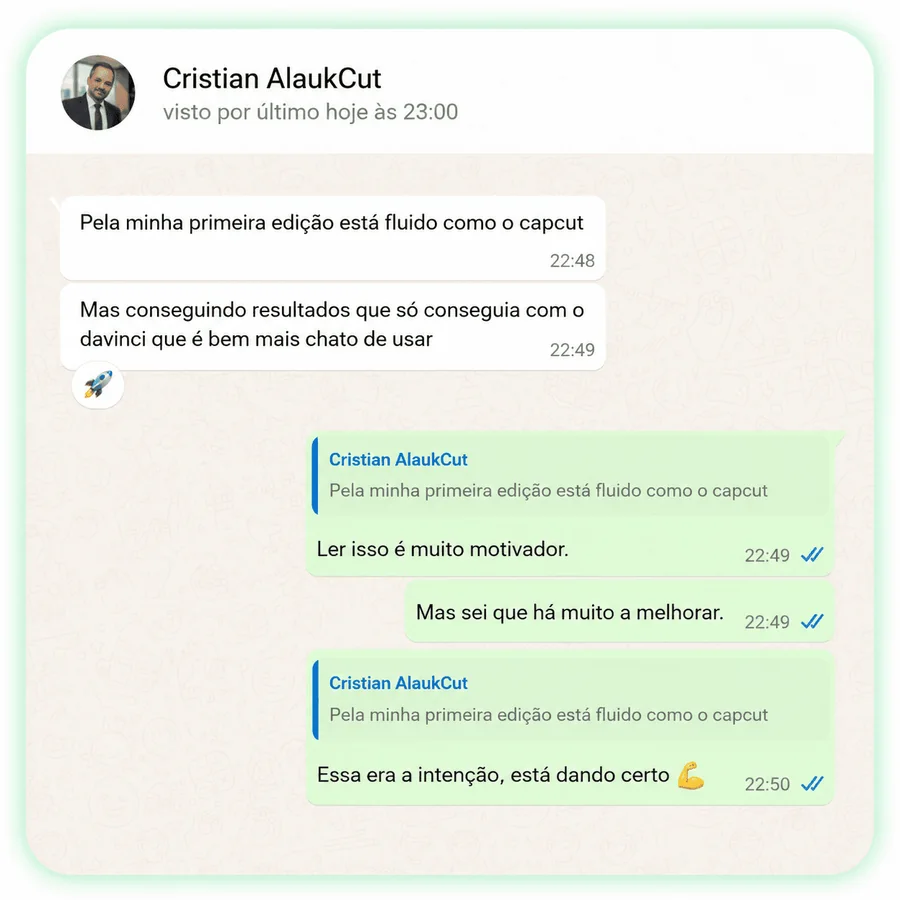
Testimonial from Cristian about AlaukCut
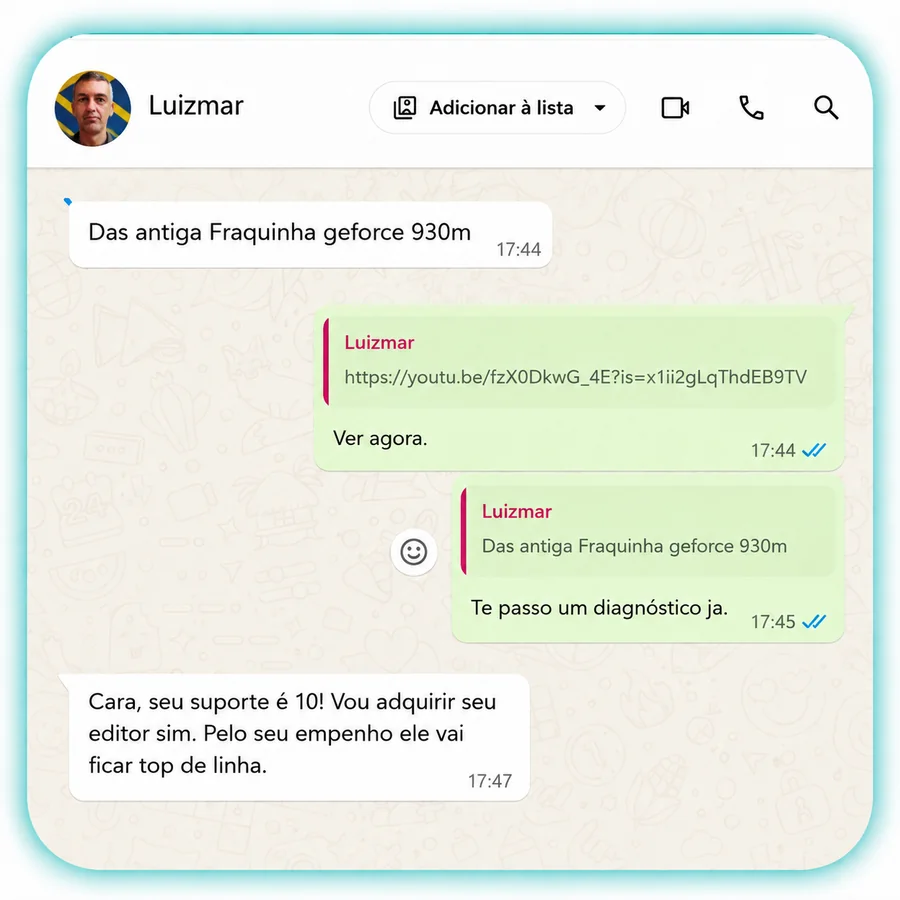
Testimonial from Luizmar about AlaukCut
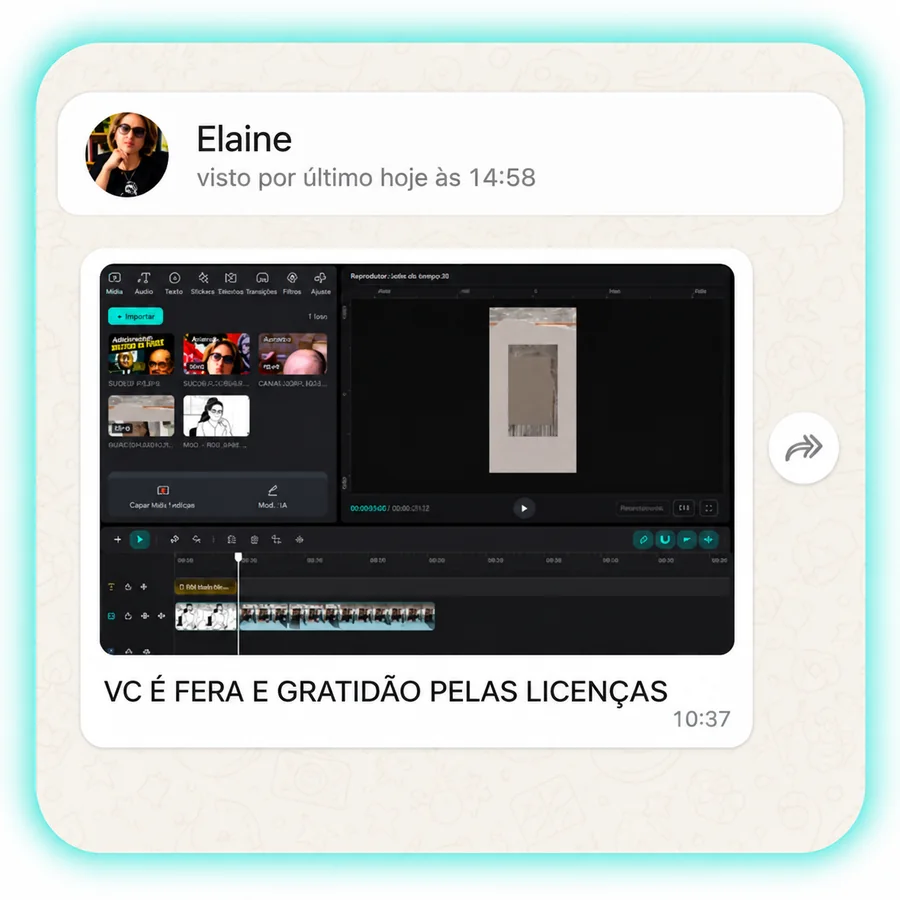
Testimonial from Elaine about AlaukCut
Testimonial from Paulo about AlaukCut
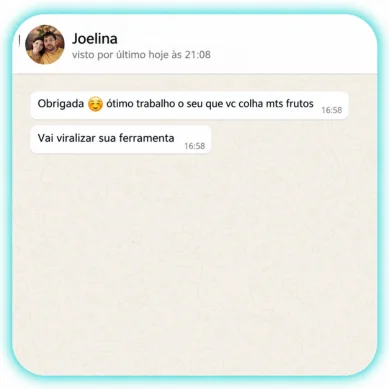
Testimonial from Joelina about AlaukCut
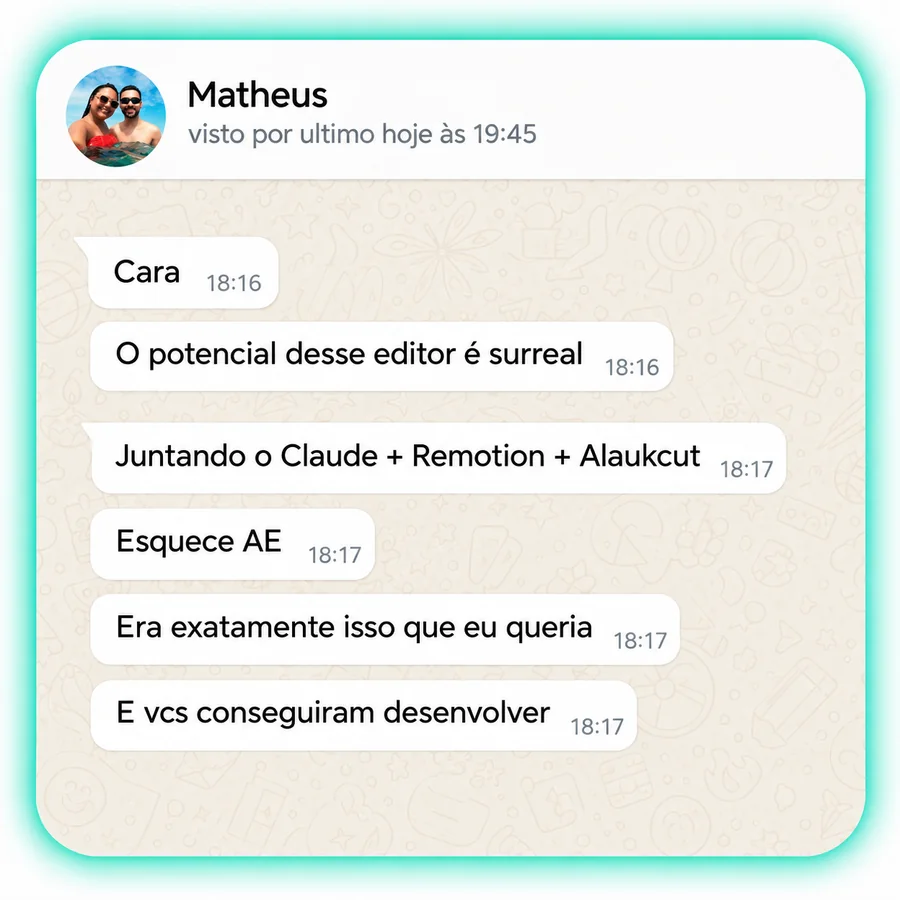
Testimonial from Matheus about AlaukCut
Testimonial from Fernando about AlaukCut

What Content Creators are saying about AlaukCut

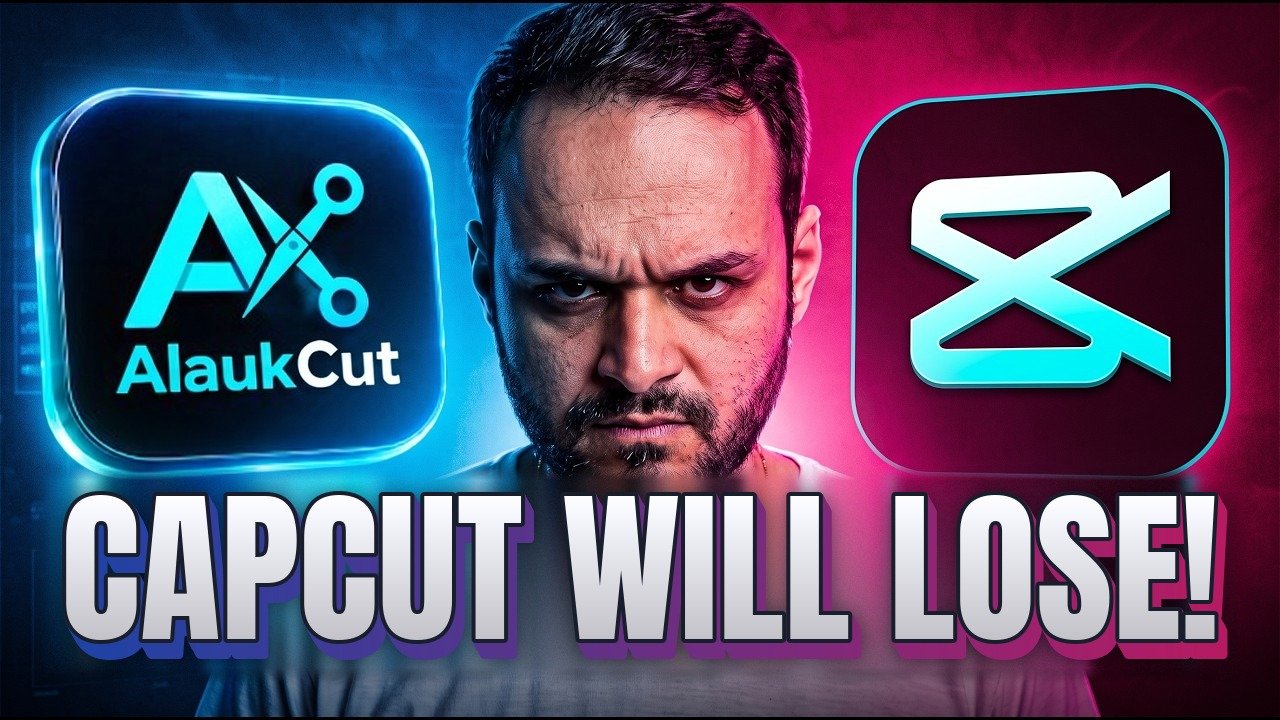
CapCut Will Lose! New AI Video Editor That Edits by Itself (Claude Code, OpenCode, Antigravity)
Erickson Lourenco
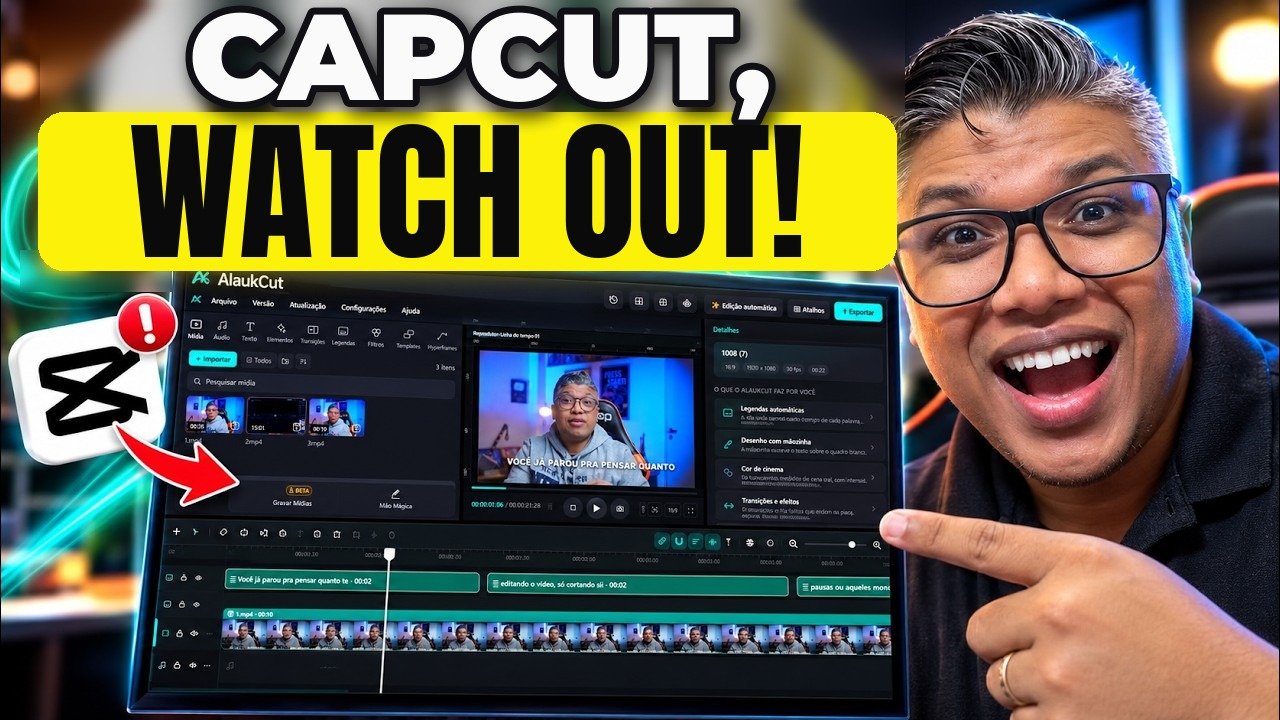
CapCut, Watch Out! This Video Editor Got Amazing!
TwB Studios

Filters

Cinema filters, ready to use

Foto original, sem filtro

Transitions

Plenty of transitions to choose from

7 days guarantee

No-questions-asked guarantee

Bought it, installed it, didn't like it? We refund you within 7 days. No questions, no explaining yourself, no paperwork. The risk is entirely ours.
Got a question? Message us on WhatsApp

No forms that vanish, no e-mail that takes days, and no bot pretending to understand you. On WhatsApp you talk to actual people, who use the editor and know the answer.

  • ✕ E-mail
  • ✕ Chatbot
  • ✓ WhatsApp with a real person
Message us on WhatsApp

Download AlaukCut

Always the latest version. Install it first — you paste the key the first time it opens.

version 1.0.53 Windows 10 and 11 · 64-bit

Which computer is it for?

Direct, secure download (HTTPS)

Don't have your key yet? Buy AlaukCut — it arrives in your e-mail as soon as the payment goes through. Already bought it? The direct download link is in the e-mail with your key.

AlaukCut FAQ

Does the lifetime license include all updates?

Yes. You pay once and get every update we release, forever, with no subscription and no extra payment. The editor itself tells you when a new version is out.

How many updates does the annual license include?

All updates released during the 12 months of your plan, with no limit. The 12 months start on the purchase date. To keep going after a year, just renew: the same key gets another 12 months, with nothing new to type.

I bought a Windows license. Can I use it on a Mac too (or the other way around)?

Yes. The same license can be used on Windows and Mac. At checkout, pick your main system under Which computer?; to unlock the other one, just message us on WhatsApp.

Does it have customisable captions?

Yes. There are 22 animated caption styles, and the editor creates the captions automatically from the speech in your video, transcribed right on your own computer. You can change font, colour, size and position, and save your own styles to reuse.

Does it integrate with any AI?

Yes. AlaukCut connects to your AI assistant: Claude, ChatGPT (Codex), Antigravity (Google), Grok, Cursor and OpenCode, or an API key. You ask in plain English and the AI edits the open project: it places files on the timeline, creates text and captions, applies filters, effects and transitions, uses the smart camera and much more.

The editor also has its own AI features, such as automatic captions, background removal and AI slow motion.

Does it remove backgrounds?

Yes, in two ways:

  • Green screen (chroma key): removes the background from videos shot on a green screen.
  • Automatic AI removal, in beta: removes any background, no green screen needed, keeping just the person. It has edge refinement (shrink, expand and smooth) and a brush to touch up what was left or what went missing.
Does it have colour grading tools?

Yes, in a full Colour tab, like professional editors:

  • Colour wheels: Lift, Gamma, Gain and Offset
  • Adjustments: exposure, brightness, contrast, pivot, shadows, highlights, whites, blacks, temperature, tint, saturation, hue and colour boost
  • Curves: master and per colour channel
  • Per-colour adjustment (HSL): change the hue, saturation and lightness of a single colour
  • Scopes: RGB Parade, waveform, histogram and vectorscope
  • Shortcuts: auto correction, eyedropper, before and after comparison, and copy the colour from one clip to another

Plus ready-made filters (LUTs) applied in one click.

What are the action buttons on the preview?
  • Decibel meter: shows the audio level while the video plays
  • Stop: stops and goes back to the start
  • Previous frame and Next frame: step frame by frame (hold to keep stepping)
  • Play and pause
  • Capture image: turns the current frame into a PNG or JPG photo, added straight to your media
  • Preview quality: Full, High, Medium or Low (only the preview changes; exports always use the original)
  • Social media grid: shows where the Instagram, TikTok and YouTube interface covers your video
  • Preview zoom: magnifies only the view, to see details and find the exact cut point
  • Aspect ratio: 16:9, 9:16, 1:1, 4:3, 3:4, 4:5, 9:10, 2:1, 2.35:1 or custom size
  • Full screen

And above the preview, the One screen and Two screens modes (the source file next to the timeline).

Does it have an audio library?

Yes: 108 sound effects in 18 categories, copyright free, safe to use even in monetised videos.

Whoosh and transition · Riser and suspense · Impact and boom · Pop and bubble · Click and interface · Notification · Success and win · Error and buzzer · Glitch · Comic and cartoon · Laugh and crowd · Typing and keyboard · Money and coins · Record scratch · Clock and ticking · Swipe · Magic and sparkle · Drum roll

Does it have editing masks?

Yes, in 7 shapes: Split, Stripe, Circle, Rectangle, Star, Heart and Text. For each one you set position, rotation, size, edge feather, rounded corners and expansion, can invert it (what was inside disappears) and animate everything with keyframes.

Which export formats are available today?
  • Video: MP4 and MOV, in H.264, AV1 (smaller file) or ProRes 4444, at 720p, 1080p, 2K and 4K, or the exact project size when the format is custom
  • Audio: MP3 and WAV
  • Image: animated GIF (240p to 1080p) and any frame of the video as PNG or JPG, with the Capture image button
I have more questions. Where can I reach you?

On WhatsApp, with real people who use the editor every day: +55 74 98132-2883.

Chat on WhatsApp
What else does AlaukCut have?

A lot. Ready-to-use resources:

  • Transitions: 67
  • Filters: 29
  • Effects: 24
  • Elements: 306, in 6 categories: Animated, Static, Basic shapes, Emojis, Lower thirds and Calls to action
  • In and out animations: 28
  • Templates: 9 · Picture frames: 19

Adding caption styles, sounds and masks, that is over 600 ready-made resources.

And features such as:

  • Editing: compound clips, grouping, keyframes with 14 advanced curve presets, copy and paste attributes, crop, reverse, hide video, mute a section, markers and action history
  • Motion and camera: smart camera, camera tracking (beta), speed control with AI-smoothed slow motion and AI upscale
  • Audio: extract audio, split voice from music, sync audio, noise reduction, audio enhancement, lower the music while someone speaks, cut silent parts (beta), detect the music beats and volume points
  • Creation: whiteboard with the drawing hand, AI-made animations (Hyperframes), infinite canvas, outline, custom format and My styles, to save your text and caption looks
  • Recording (beta): screen, webcam and audio (microphone and computer sound)
  • Workflow: Two screens mode, timeline import from Premiere, DaVinci and Final Cut (XML and FCPXML) and pre-render, which speeds up exports
Which payment methods are accepted?
  • Eurozone countries (€): credit or debit card and Google Pay
  • United States and other countries (US$): credit or debit card and Google Pay
  • Brazil (R$): Pix, credit card in full or in up to 12 instalments

Every payment is secure and comes with a 7-day unconditional guarantee.

Chat on WhatsApp