7 days guarantee
No-questions-asked guarantee
Bought it, installed it, didn't like it? We refund you within 7 days. No questions, no explaining yourself, no paperwork. The risk is entirely ours.
 AlaukCut
Buy Now
AlaukCut
Buy Now
Which computer is it for?
7-day no-questions-asked guarantee
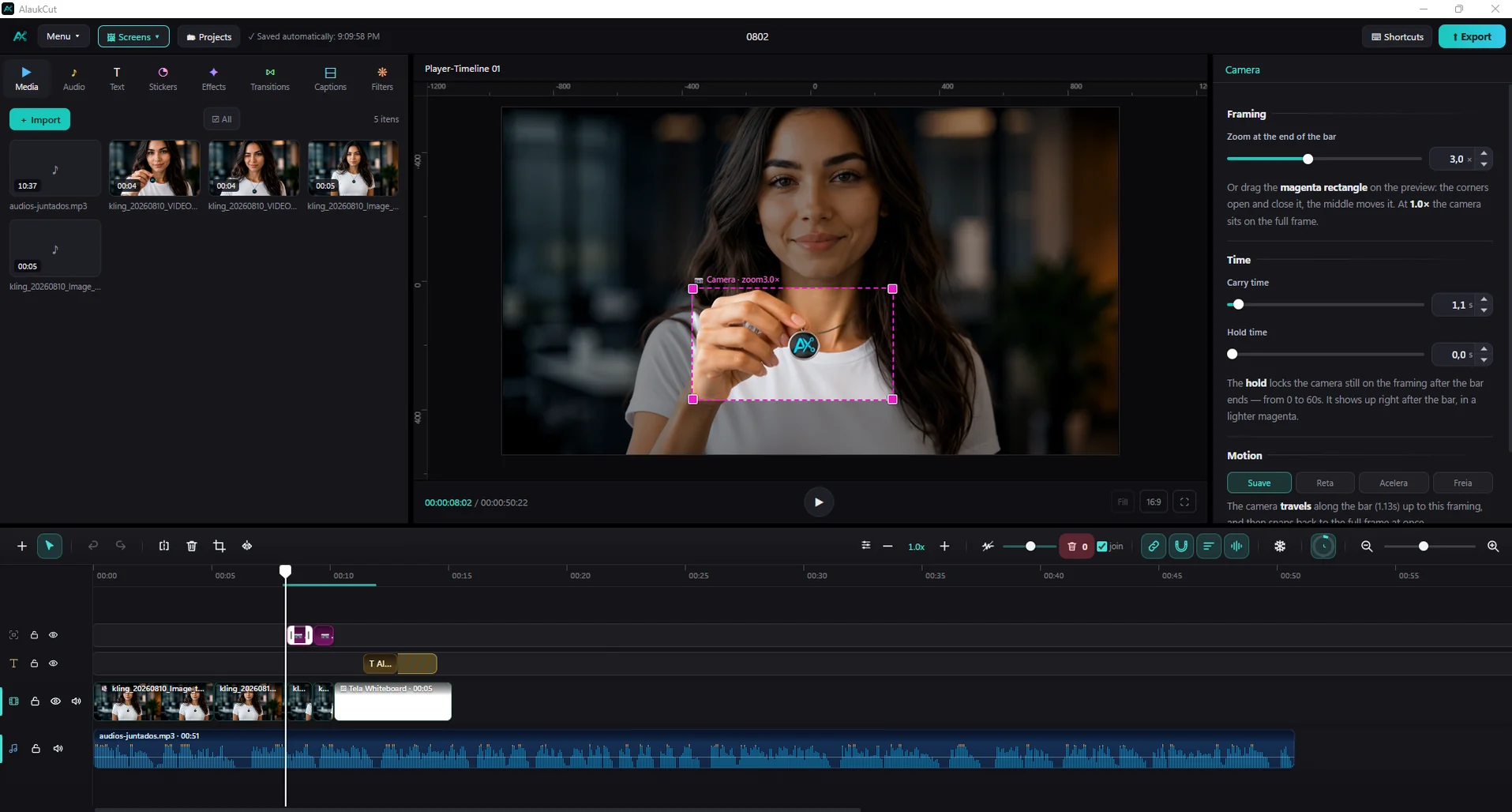
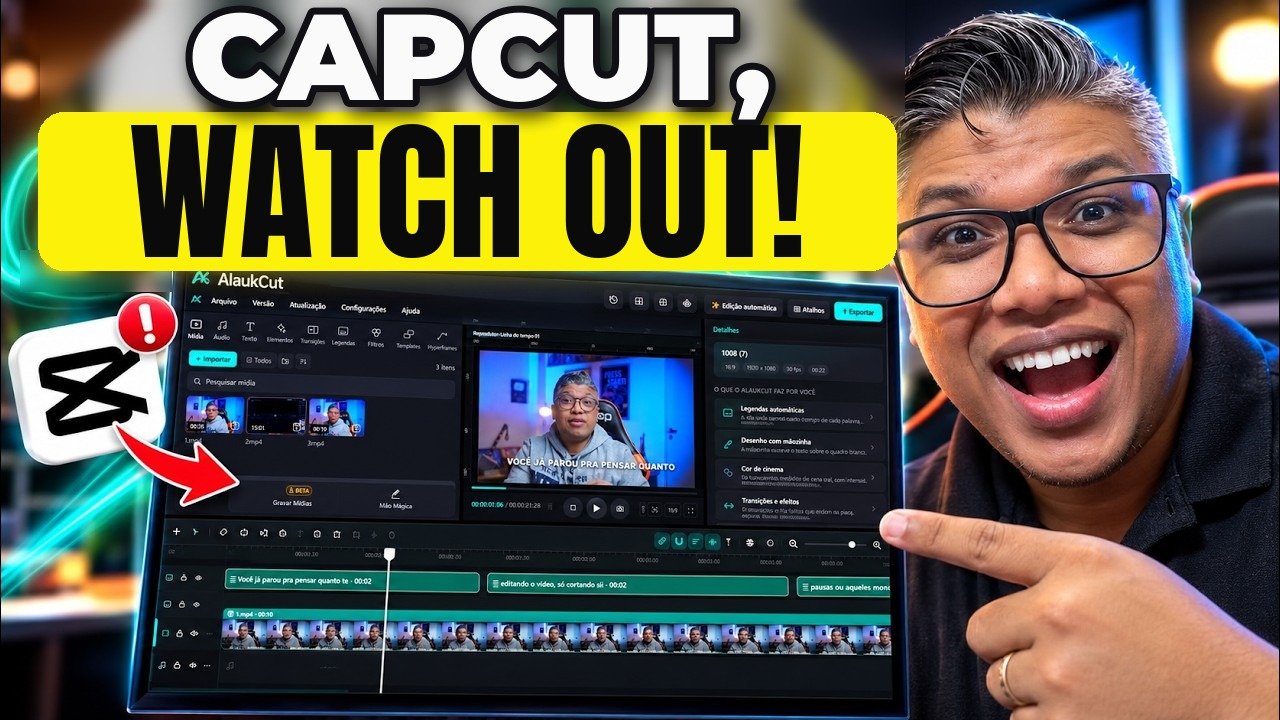
Interface
Captions
Plenty of custom caption styles to choose from
Whiteboard
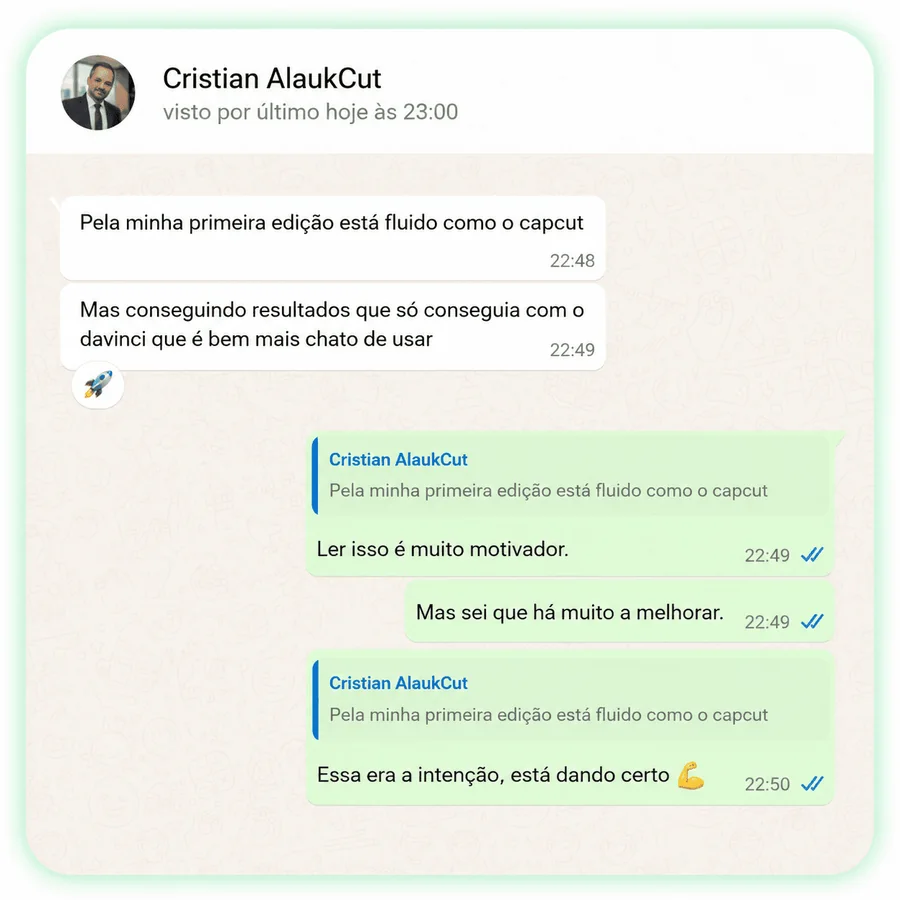
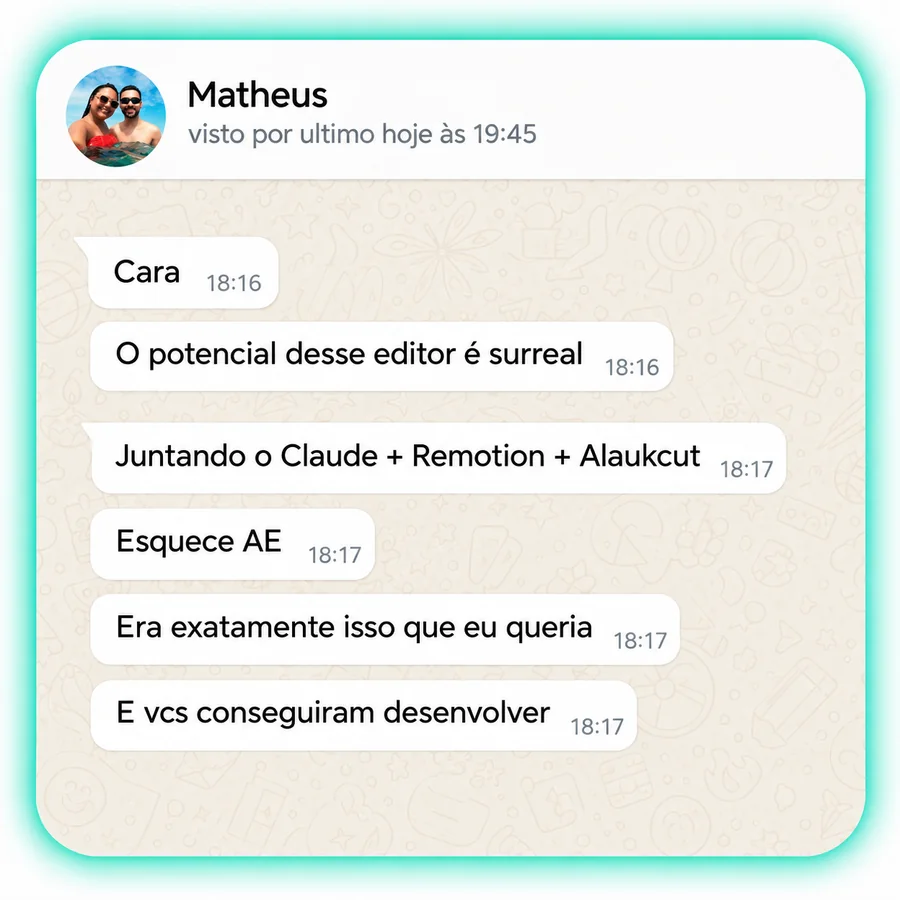
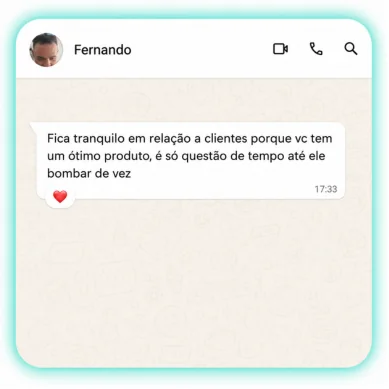
Who already uses it
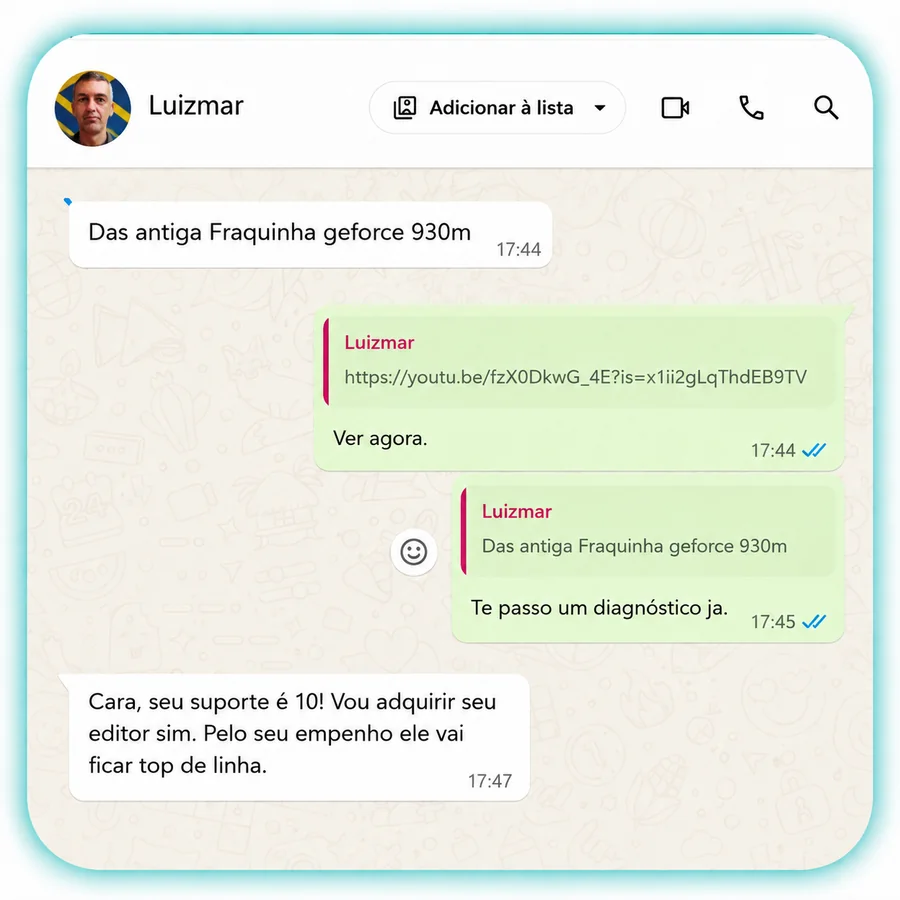
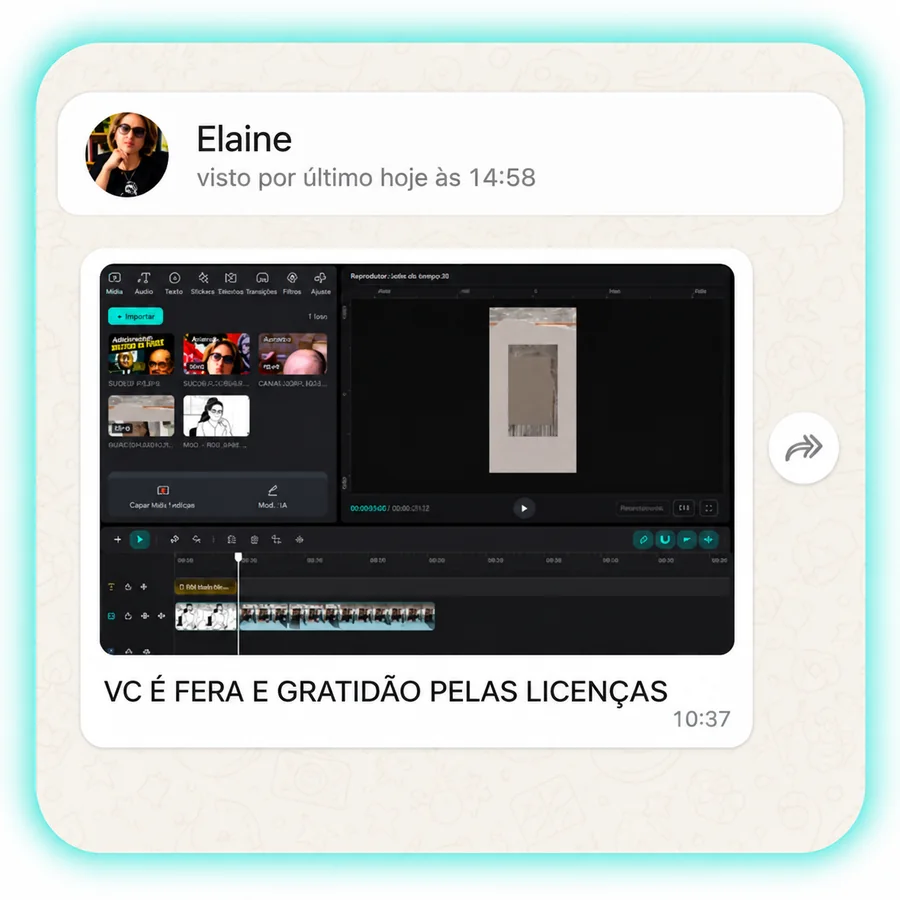
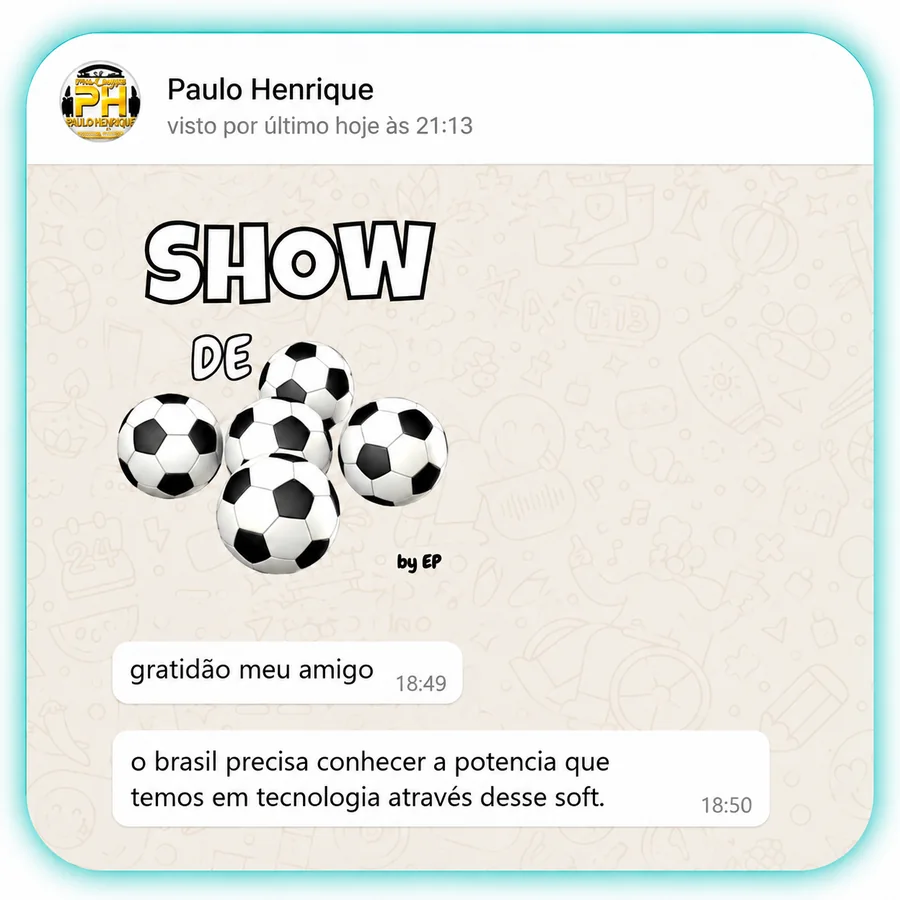
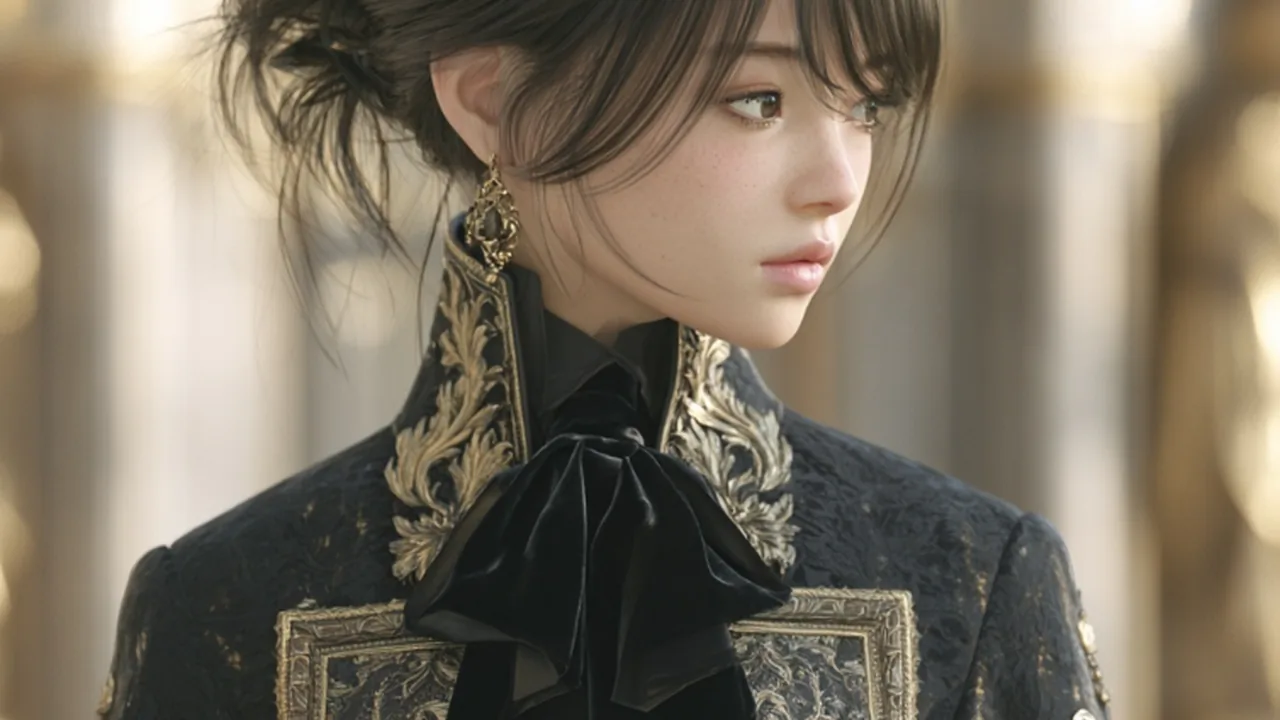
Filters

Transitions
7 days guarantee
Bought it, installed it, didn't like it? We refund you within 7 days. No questions, no explaining yourself, no paperwork. The risk is entirely ours.
No forms that vanish, no e-mail that takes days, and no bot pretending to understand you. On WhatsApp you talk to actual people, who use the editor and know the answer.
Always the latest version. Install it first — you paste the key the first time it opens.
Which computer is it for?
Direct, secure download (HTTPS)
Don't have your key yet? Buy AlaukCut — it arrives in your e-mail as soon as the payment goes through. Already bought it? The direct download link is in the e-mail with your key.
Yes. You pay once and get every update we release, forever, with no subscription and no extra payment. The editor itself tells you when a new version is out.
All updates released during the 12 months of your plan, with no limit. The 12 months start on the purchase date. To keep going after a year, just renew: the same key gets another 12 months, with nothing new to type.
Yes. The same license can be used on Windows and Mac. At checkout, pick your main system under Which computer?; to unlock the other one, just message us on WhatsApp.
Yes. There are 22 animated caption styles, and the editor creates the captions automatically from the speech in your video, transcribed right on your own computer. You can change font, color, size and position, and save your own styles to reuse.
Yes. AlaukCut connects to your AI assistant: Claude, ChatGPT (Codex), Antigravity (Google), Grok, Cursor and OpenCode, or an API key. You ask in plain English and the AI edits the open project: it places files on the timeline, creates text and captions, applies filters, effects and transitions, uses the smart camera and much more.
The editor also has its own AI features, such as automatic captions, background removal and AI slow motion.
Yes, in two ways:
Yes, in a full Color tab, like professional editors:
Plus ready-made filters (LUTs) applied in one click.
And above the preview, the One screen and Two screens modes (the source file next to the timeline).
Yes: 108 sound effects in 18 categories, copyright free, safe to use even in monetized videos.
Whoosh and transition · Riser and suspense · Impact and boom · Pop and bubble · Click and interface · Notification · Success and win · Error and buzzer · Glitch · Comic and cartoon · Laugh and crowd · Typing and keyboard · Money and coins · Record scratch · Clock and ticking · Swipe · Magic and sparkle · Drum roll
Yes, in 7 shapes: Split, Stripe, Circle, Rectangle, Star, Heart and Text. For each one you set position, rotation, size, edge feather, rounded corners and expansion, can invert it (what was inside disappears) and animate everything with keyframes.
On WhatsApp, with real people who use the editor every day: +55 74 98132-2883.
Chat on WhatsAppA lot. Ready-to-use resources:
Adding caption styles, sounds and masks, that is over 600 ready-made resources.
And features such as:
Every payment is secure and comes with a 7-day unconditional guarantee.